RemovePix

Upscale Image

Enlarge images up to 4× with AI

or drop a file

JPG, PNG, or WebP — up to 10 MB

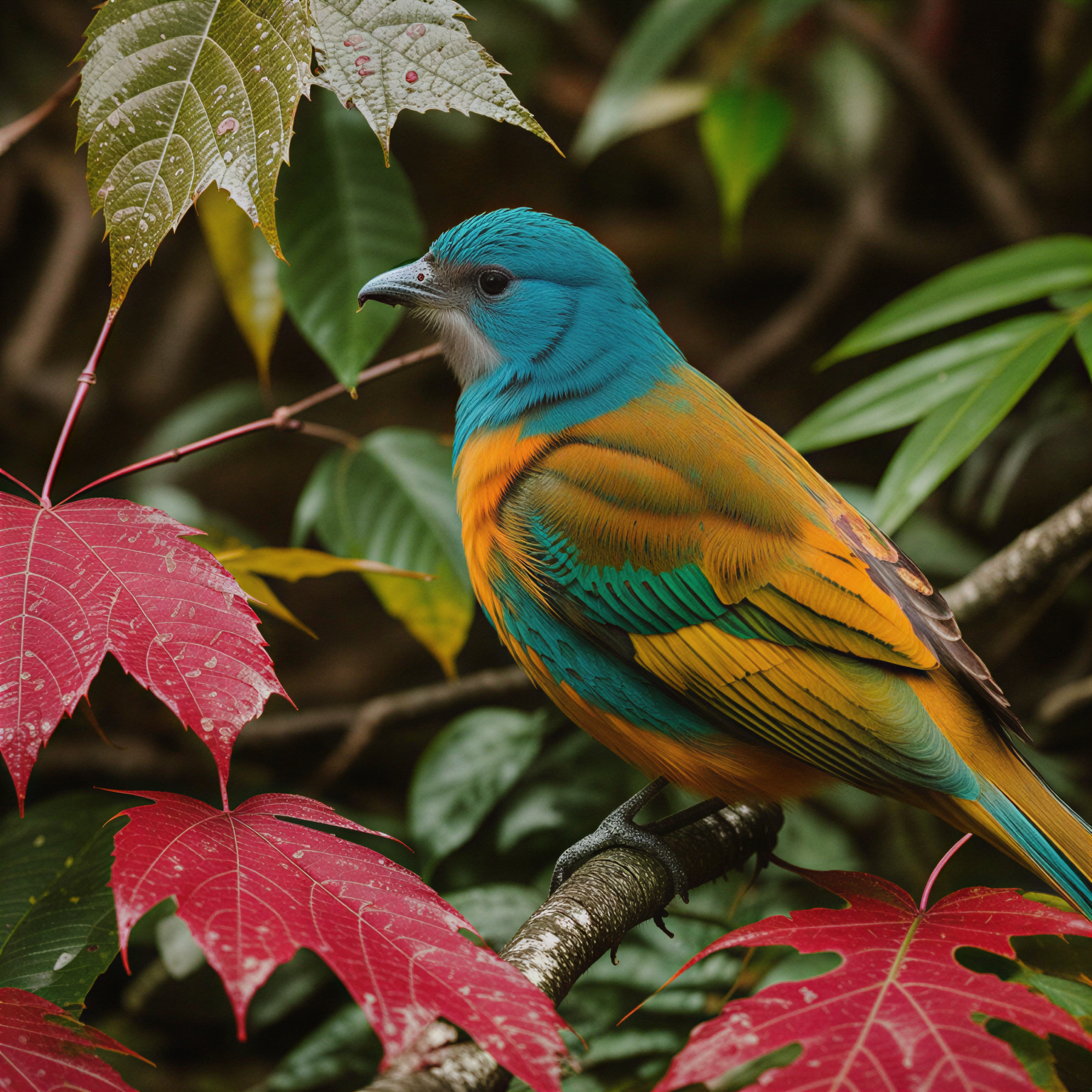
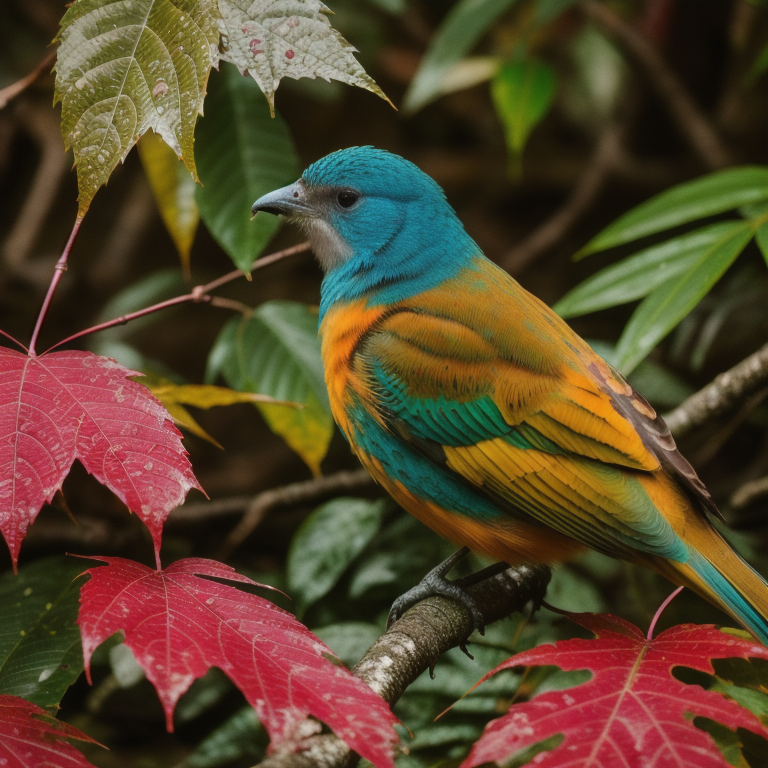
See the difference

After
BeforeOriginalUpscaled

How It Works

01

Upload Your Image

Drop or select any JPG, PNG, or WebP image you want to enlarge.

02

Choose 2x or 4x

Select your desired upscale factor. AI fills in detail as it enlarges.

03

Download

Get your high-resolution image — sharp, detailed, and ready to use.

Upscale for any purpose

From print to web, AI upscaling keeps your images sharp at any size.

Print & Large Format

Scale up photos for posters, banners, and canvas prints without losing quality.

Need professional help?

E-commerce Listings

Enlarge product photos for zoom views and high-res marketplace requirements.

Need professional help?

Social Media Content

Upscale images for high-DPI displays and retina-ready social posts.

Need professional help?

Real Estate & Architecture

Enhance property photos and architectural shots for listings and presentations.

Need professional help?

More AI Image Tools

Powerful tools that work on any image — one credit per use, no subscription.

Remove Background

Remove image backgrounds instantly with AI

Clean Up Image

Remove unwanted objects from any photo

Frequently Asked Questions

Our AI model analyzes your image and intelligently generates new detail as it scales up. Unlike simple interpolation that just blurs pixels, AI upscaling adds realistic texture, sharpness, and detail that wasn't in the original.
2x doubles your image dimensions (e.g. 500px becomes 1000px), while 4x quadruples them (500px becomes 2000px). 2x is great for modest enlargements; 4x is ideal when you need significantly larger output.
No — that's the whole point of AI upscaling. Traditional resizing simply stretches pixels, creating blur. Our AI generates new detail to keep images sharp and natural-looking even at 4x.
You can upload JPG, PNG, and WebP files up to 10 MB. The upscaled result is delivered as a high-quality PNG.
You can upscale any image for free to preview the result. To download the full-resolution upscaled image, you'll need HD credits. Credit packs start at $0.99 and cover all tools. Credits never expire.
Input images can be up to 10 MB. The AI works best on images up to around 2000px on the longest side — larger inputs may be downscaled before upscaling to stay within processing limits.